Accessibility for nonprofits is much more than a compliance checkbox

.svg)
.svg)
.svg)
.svg)
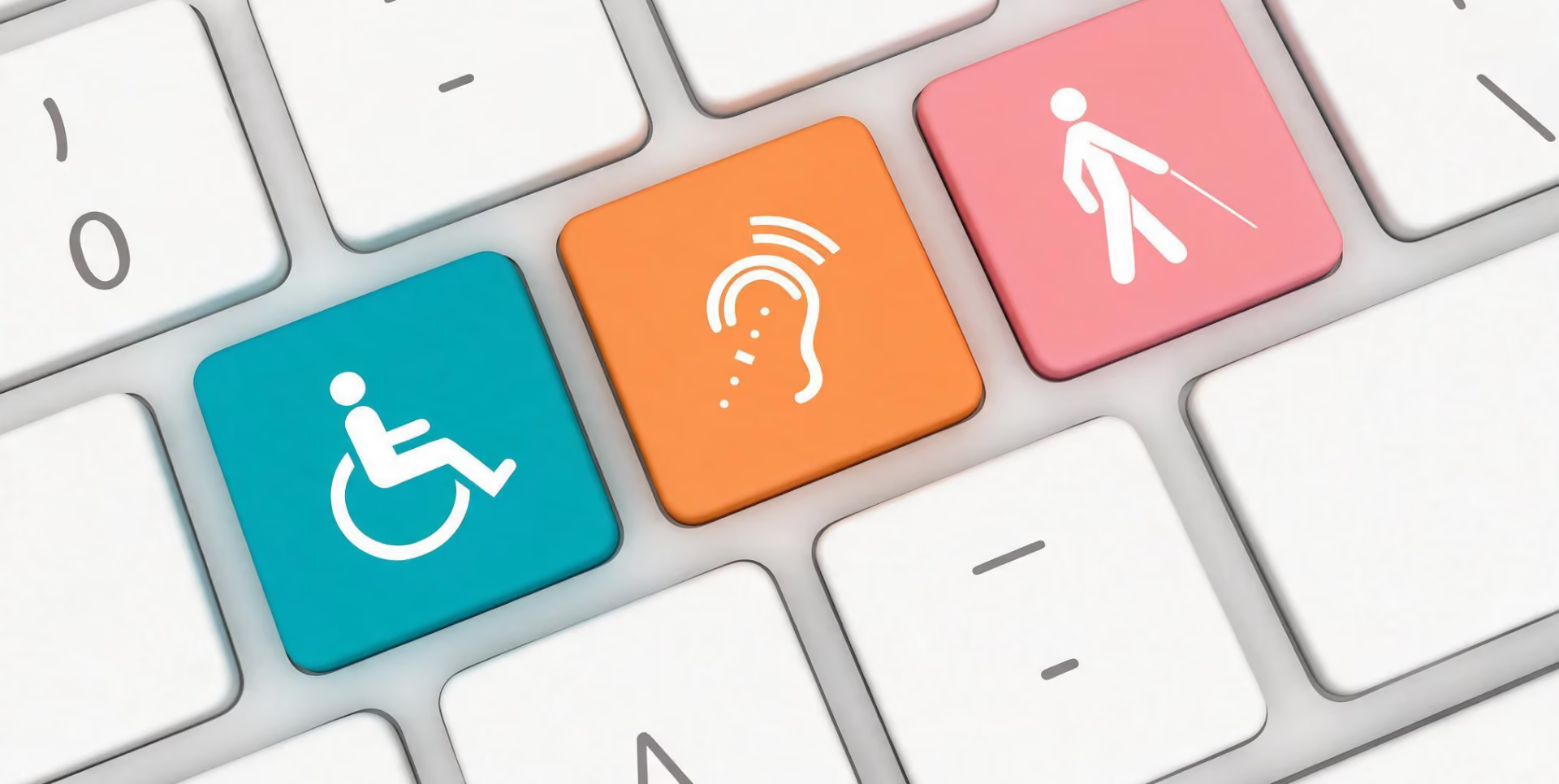
Give Lively hosted a free webinar today: Building Belonging: A Nonprofit's Guide to Accessibility Best Practices. The full session is now available as a free on-demand replay and includes a companion PDF guide about accessibility for nonprofits.
In the webinar:
- Robin Troutman, a disability rights and accessibility consultant, covered accessibility best practices across events, digital platforms and organizational culture.
- Olivia Gulin, Give Lively's lead product designer, gave an inside look at the company's own accessibility work.
- Nick Farano, Vice President of Operations and Development at the Prevention of Blindness Society of Metropolitan Washington, closed with a nonprofit's-eye view of what accessibility looks like in practice.
- The gathering ended with a live Q&A open to all attendees.
- Ethan Gelber, Give Lively's head of content marketing, emceed.
The core issue
The session opened with a reminder of the scale of the challenge. About 26% of U.S. adults have a disability, amounting to roughly 61 million Americans with visual, hearing, cognitive, mobility or independent living challenges. Despite that, employment data from the Bureau of Labor Statistics shows only 22.8% of disabled people are employed, compared with 65.2% of non-disabled people.
Troutman framed the gap as a "disability tax": a pattern of administrative burdens, complex paperwork and poorly designed, inaccessible websites that force disabled individuals to work harder for basic services. Accessibility, in her framing, is what removes that tax.
Accessibility best practices, with Robin Troutman
Troutman organized her presentation around three spaces where improved accessibility presents the greatest opportunity: physical environments, digital ecosystems and work culture.
In-person events
She discussed venue and travel considerations, from doorway width and stage ramps with railings to cobblestone streets and accessible shuttles. These were echoed in a detailed event accessibility checklist covering special accommodations, scent-free requests for attendees with allergies, ASL and CART interpreting budgets and multiple registration options. (Read more about accessibility best practices for nonprofits: web and events.)
Digital properties
She anchored digital information-sharing in the WCAG 2.1 Level AA standard – the globally recognized benchmark for digital accessibility – and its four POUR principles: perceivable, operable, understandable and robust. She addressed mobile-specific requirements, including minimum touch target sizes and support for native screen readers, and virtual event platforms, recommending tools with built-in captioning and screen-reader support.
On the legal landscape, she noted that recent U.S. Department of Justice updates for Title II of the Americans with Disabilities Act (ADA) set firm compliance deadlines for government entities through 2027 and 2028, while private nonprofits already face Title III lawsuits over inaccessible digital channels. (Read about the ADA and what it means for nonprofits.)
Accessible culture
Troutman emphasized dignified engagement: treating assistive devices as an extension of a person's space, and training staff in respectful language and how to offer help without assuming what's needed.
The curb-cut effect
She closed with an enduring idea: accessible design – like sidewalk curb cuts – benefits everyone. Another example is how closed captions, created for deaf viewers, serve for 85% of all viewers in loud or quiet environments.
Inside Give Lively, with Olivia Gulin
Gulin gave a candid look at where Give Lively's own accessibility conformance work stands against its target of WCAG 2.2 Level AA conformance. Her message was direct: "We're not there yet," but making steady progress.
A cross-functional Accessibility Special Interest Group meets every other week to drive ongoing education and coordinate audits across product and marketing work at Give Lively, combining automated tools with manual testing. Accessibility is now built into product and marketing requirements from the start, while feature research and component testing include disability-focused member nonprofits.
Gulin pointed to a recent example: testing caught keyboard navigation issues before a feature was released. Most things don't pass on the first try, she said, and continuous testing is what gets things over the line. She was equally direct about the gaps that remain, including the screen reader experience on donation pages and a Nonprofit Admin Portal overhaul guided in part by accessibility awareness.
A nonprofit perspective, with Nick Farano
Farano opened by describing vision loss as a spectrum, not a single fixed experience. He used side-by-side comparisons of conditions like macular degeneration and glaucoma to show how differently low vision can present from person to person.
Why this matters for nonprofit fundraising
Farano's point was that accessibility touches every nonprofit's donor base, not just organizations with a disability-focused mission. Nearly 28% of adults 71 and older have a visual impairment. The average age of a first major gift is 66, in one donor analysis, meaning the donors most likely to make a major or planned gift are also among those most likely to need accessible materials.
Accessibility isn't a compliance issue that sits apart from fundraising. It's already shaping annual giving, major gifts and planned giving for most nonprofits, whether or not they've noticed.
Putting accessibility into practice
Farano shared before-and-after examples from his organization's own donor materials, including large-print newsletters set in more readable type with stronger contrast. He made a point of noting that accessible materials still have to make a compelling fundraising “ask”; readability and effective fundraising copy aren't mutually exclusive.
The hardest part: consistency
He was clear that one accessible touchpoint doesn't go far if the next one falls short: multiple staff members and vendors, older systems, and printing and staffing constraints all have to align with a donor's preferences at every step.
He closed with a simple starting point for any nonprofit: review your most-used donor communications, test your full donation and registration flow and ask people what they need.
The companion guide
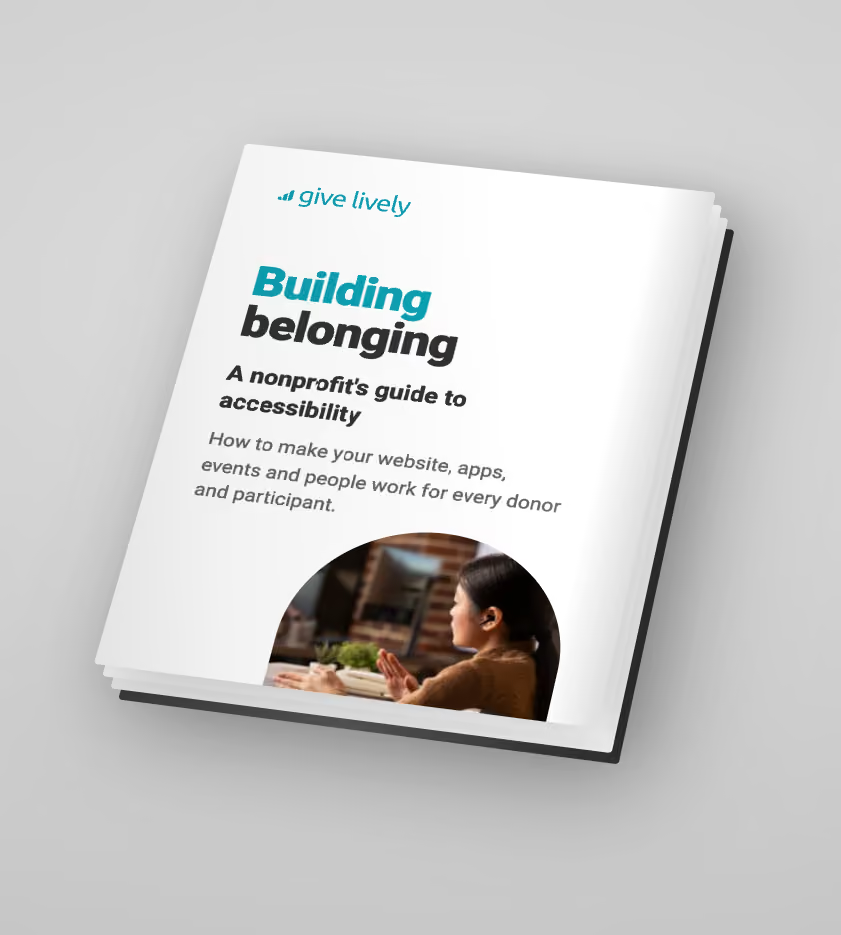
Every webinar registrant gained access to a standalone nonprofit accessibility guide, a downloadable PDF resource built to extend the session into something a team can act on afterward.
It opens with the scale and legal cases for accessibility, including current data on federal web accessibility lawsuits, then moves into a combined digital accessibility section covering both web and mobile requirements, a full event accessibility section and a dedicated section on staff awareness and sensitivity, including guidance on person-first and identity-first language.
The guide closes with practical, categorized checklists, so a team can work through things item by item, along with a resource list of standards, data sources and audit tools mentioned during the webinar.
Missed the live session?
The full recording and the companion guide are both available on demand for any nonprofit ready to put accessibility advice into practice:
Building Belonging: A Nonprofit’s Guide to Accessibility Best Practices
%201.svg)