


DAF Donations on Giving Basket
Giving Basket Donors can now donate with donor-advised fund accounts using DAFpay by Chariot on Giving Basket.
Before you get started
Video Overview
Walkthrough
Before you get started
Video Overview
Walkthrough
Before you get started
Video Overview
Walkthrough
Before You Get Started
- This article is for donors using Charity Navigator’s website to donate to nonprofits with our Giving Basket technology. If you are a donor or nonprofit unfamiliar with donor-advised funds (DAFs) or DAFpay powered by Chariot, this article explains donor-advised funds and DAFPay
- If you are a nonprofit and unsure what Giving Basket is or who Charity Navigator is, this article explains Giving Basket and Charity Navigator
- A nonprofit must be opted in to Giving Basket to receive donations through Charity Navigator's website. If you are looking to receive Giving Basket donations and are not opted in, or are unsure of your status, please contact Charity Navigator through the following link: https://charitynavigator.paperform.co/
Video Overview
Walkthrough
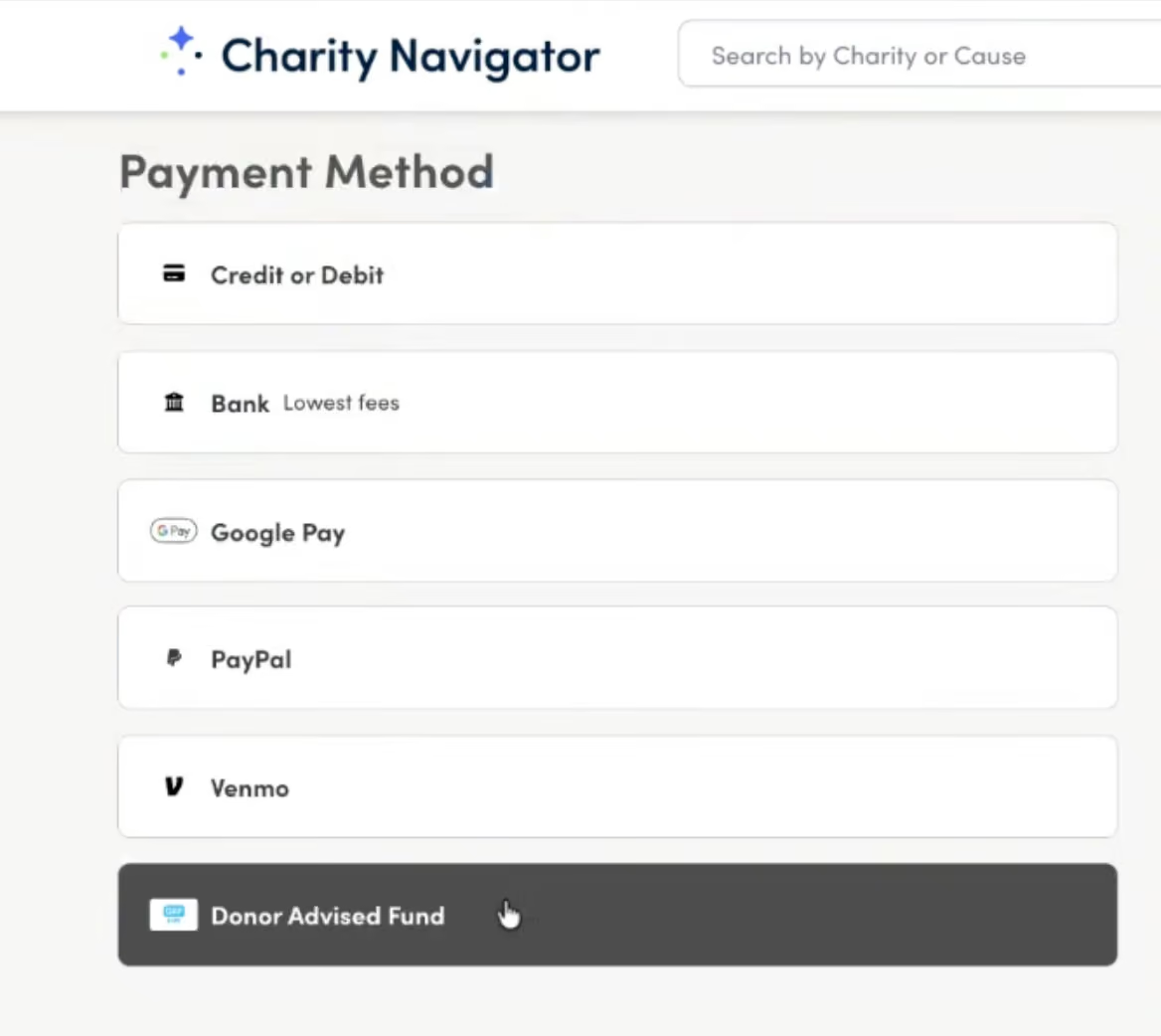
Donating through your donor-advised fund (DAF) account is now possible on Giving Basket using DAFpay, which is powered by Chariot.
Making a donation through DAFpay is as simple as using a credit card or ACH. However, if it’s your first time using DAFpay, then there are some important details to consider.
- DAF Donations are Not Tax Deductible: Because you receive an immediate tax deduction after transferring funds to your DAF account, the donation you make with those funds is not tax deductible. This is also mentioned in the confirmation email you will receive after making your donation.
- DAF Donations Have Their Own Fees: Chariot subtracts a processing fee from each DAF grant, which donors can choose to cover. The Chariot processing fee is 2.9% on all DAF payments.
- One-Time Donations Only: For the time being, only one-time donations can be made using DAFpay, so the option will not be available if you’re making a recurring donation.
- Whole Dollars Only: DAFpay donations can only be made in whole dollar amounts. If your Giving Basket donation total adds up to an amount with cents, your total and the individual gift amounts will be rounded to the nearest dollar. After that, the fee is made available for you to cover for the nonprofit, if you so choose.
- Fee coverage is also rounded separately (up or down) to the nearest whole dollar, except when the fee amount is less than $1, in which case it is always rounded up to $1.
No Refunds: DAFpay donations cannot be refunded. Donors may have the ability to cancel their grant with their DAF provider before it gets processed, however Give Lively recommends that donors contact their DAF provider to make sure.
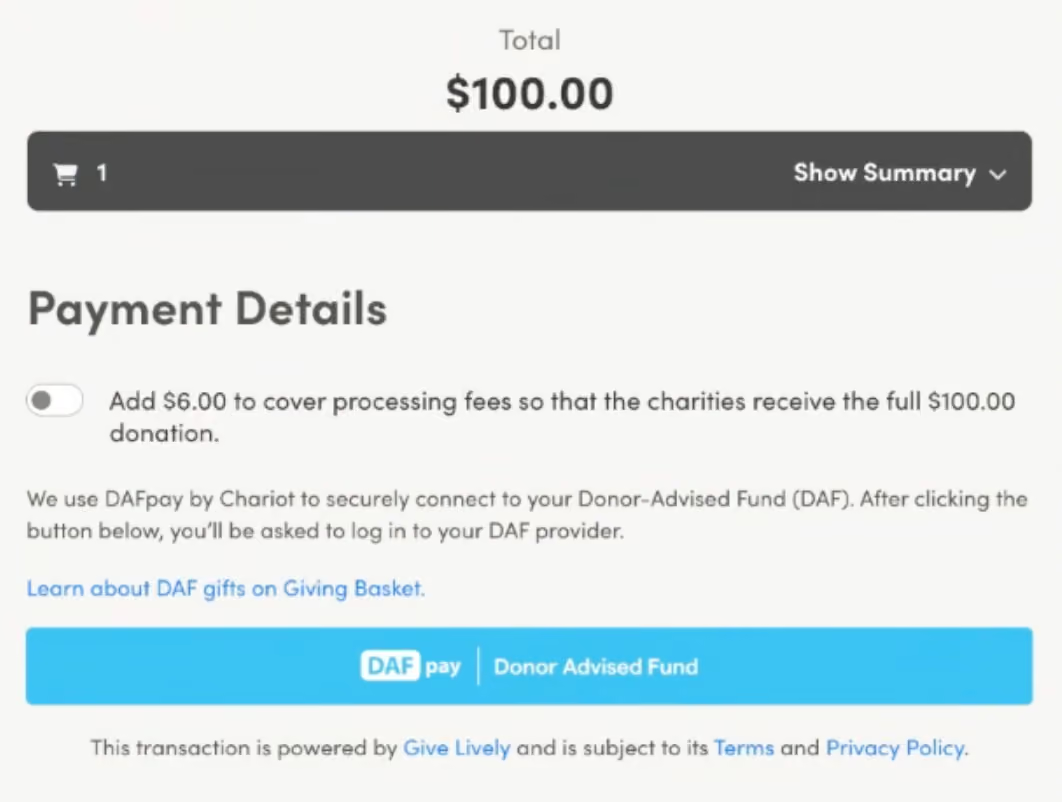
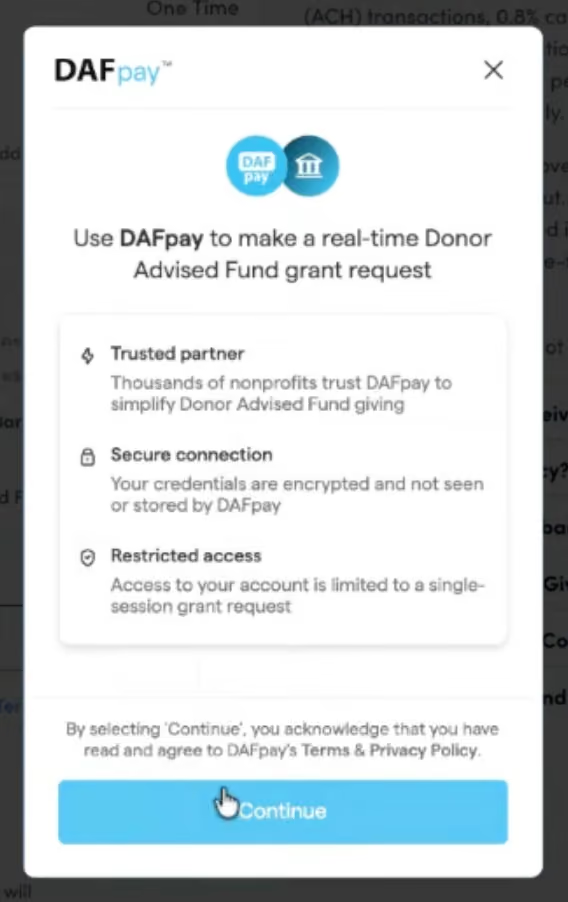
Once you have selected “Donor Advised Fund” as your payment method, you will be brought to a screen which display your Cart Summary, donation’s total, and an optional toggle to cover payment processing fees. Clicking the final DAFpay | Donor Advised Fund button will open Chariot’s DAFpay window to log into your DAF account. Importantly, your final total cannot be edited within this window, as this final amount represents your total gross donation and does not let you manipulate your individual donations for each nonprofit. Trying to edit the final number will display an error asking you to edit your individual donations in your cart instead. You can get back to the cart by clicking on the blue and white cart icon button on the navigation bar at the top right of the website.
Once the donation is confirmed, you will be shown a confirmation page and sent the first of two emails. The first email you will receive is called a “pending receipt” email, confirming that the grant request was successfully submitted to your DAF Provider, which will then begin the process of sending the funds to the Give Lively Foundation for disbursement. Once the Give Lively Foundation successfully receives the funds, you will receive a final confirmation email. The Give Lively Foundation will then begin its typical Giving Basket disbursement cycle.

