How to use Zapier to automate email marketing for nonprofits



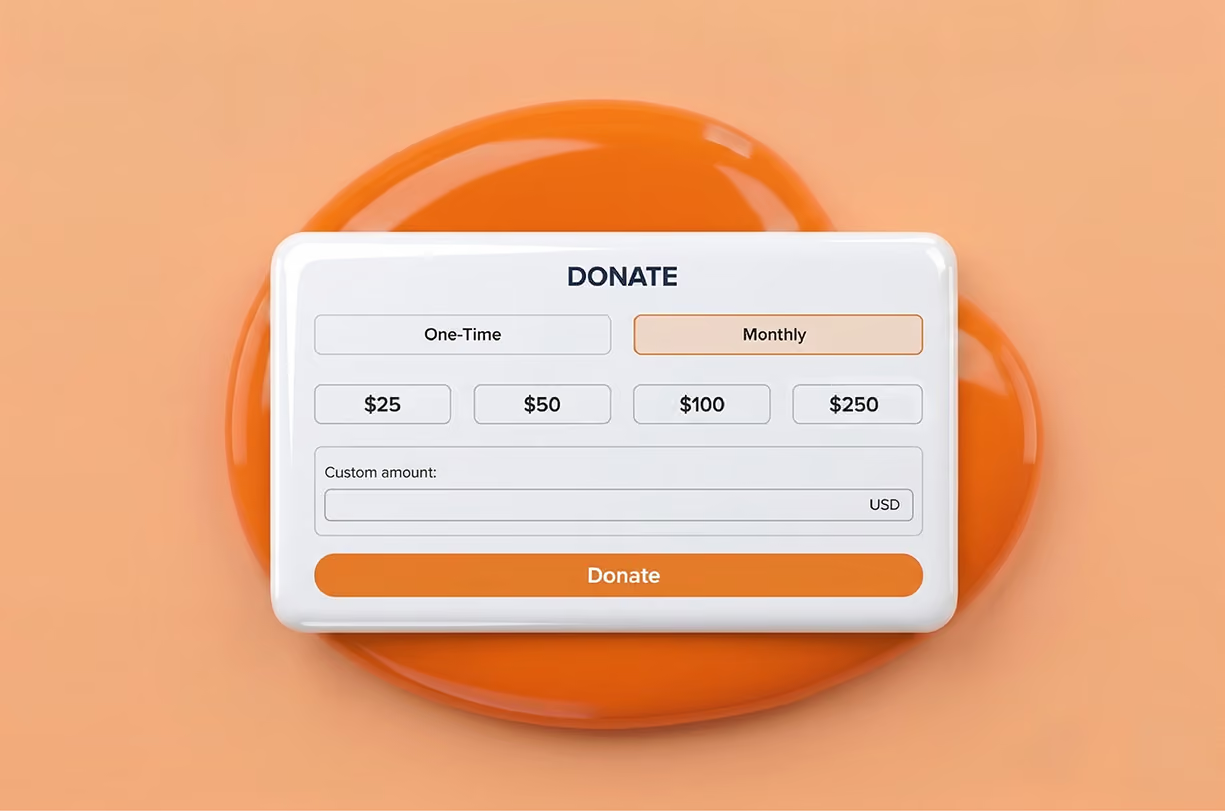
A donor gives online to a nonprofit, and that gift is recorded by a fundraising platform, complete with a name, amount, campaign and timestamp. Whether and how that information shapes the next email the donor receives are separate questions.
Many nonprofits send a follow-up, but a first-time donor might receive the same newsletter as someone who has given for a decade. Segmenting donors, or dividing them into groups based on shared traits like giving history, frequency or engagement, lets a nonprofit tailor its outreach instead.
The challenge is that, for many small and early-stage organizations, donation data and email marketing data live in two systems that don't talk to each other. Without tools, segmentation must be managed by hand – exporting donor lists, importing them into an email platform, tagging donors one by one. That eats into time that could go toward outreach or program work.
Zapier for nonprofits solves this problem: it moves donor data where it can be used, without a staff member lifting a finger to do it. Here’s how Zapier fits into a nonprofit's tech stack and where it pays off.
Key takeaways
- Zapier connects donation data to email marketing platforms nonprofits already use, without requiring a native integration between the two.
- Ready-made Zap templates can sync new donors into tools like Mailchimp, Constant Contact, Flodesk, EmailOctopus and MailerLite in minutes.
- Segmenting donors by giving history and behavior improves campaign performance and supports donor retention.
- Zapier's free plan covers simple two-step syncing, while filters, paths and multi-step Zaps require a paid plan that qualified nonprofits get at 15% off.
Why donor behavior belongs in your email strategy
Email is one of the most productive fundraising channels. According to M+R's 2026 Benchmarks study, nonprofits raised $54 in revenue for every 1,000 fundraising emails sent in 2025, a 4% increase over the previous year.
Email segmentation is how an organization gets more out of that outreach, and the data backs it up: Mailchimp reports that segmented campaigns across all sectors earn 49% higher click-through rates than unsegmented sends. The first-time donor and the ten-year donor have fundamentally different relationships with an organization, and treating them identically in an inbox reads as impersonal.
Automating connections between a fundraising platform and an email tool is what makes segmentation practical – no manually updating lists after every gift or campaign.
What is Zapier?
Zapier is a no-code automation platform that connects thousands of web applications, letting data move between them automatically when an event occurs.
Nonprofits don't need programming knowledge to use it. Zapier relies on "Zaps," which pair a trigger – something that happens in one app – with an action, something that happens in response in another app. For example, a new donation received through a fundraising platform could serve as a trigger, while adding that donor as a subscriber in an email platform could be the resulting action.
How does Zapier fit into a nonprofit's systems?
Zapier acts as a bridge between nonprofit fundraising platforms and email marketing tools that otherwise have no direct connection to each other.
Many platforms don't offer email marketing themselves or maintain a native integration with any particular email platform. Give Lively's Zapier integration fills that gap. Rather than exporting donor reports and importing them into a separate system, nonprofits can connect Give Lively to thousands of other apps through Zapier, email marketing platforms among them.
What can nonprofits automate with Zapier?
Within the Zapier automation platform, fundraising tools typically offer a few triggers tied to donation activity: a new donation, an update to an existing donation or a change in donation status. Each trigger can prompt an action in a connected email platform, such as adding a new subscriber, updating a contact's details or tagging a donor.
Ready-made Zap templates handle these straightforward syncing tasks well. Something more specific, such as separating donors into segments by gift size or giving frequency, takes more setup.
Zapier's filters and paths handle this by routing donors differently based on conditions defined by the nonprofit. Both require a paid Zapier plan, since the free plan supports only two-step Zaps with no conditional logic. The setup relies on the same skills used to configure a template, applied further into Zapier's editor.
Demystifying Zap templates: the fastest way to get started
Templates remove most of the guesswork from creating Zapier email automations. A template's trigger and action come preconfigured, so the only step left is connecting the organization's own accounts. That takes far less time than building a Zap from a blank workspace.
Zapier maintains an approved list of Zap templates that can be applied to Give Lively donation data. On the email marketing side, that includes templates for Mailchimp, Constant Contact, Flodesk, EmailOctopus and MailerLite, among other widely used platforms. A nonprofit using Mailchimp, for instance, could rely on a template that adds or updates a subscriber the moment a new donation comes in, no coding needed.
Templates aren't the only option. Organizations with specific workflow or segmentation goals can craft a custom Zap from scratch, on their own or with Zapier Copilot (its AI-powered assistant), starting from the same triggers.
What does Zapier cost for a nonprofit?
Zapier nonprofit pricing starts with the same plans available to any organization: a free plan and paid plans that scale with task volume. Qualified nonprofits also receive a discount on paid plans.
The free plan includes 100 tasks per month and two-step Zaps – one trigger and one action. That covers basic templates, such as adding every new donor to a Mailchimp list.
Paid plans raise the monthly task allowance and unlock multi-step Zaps, filters and paths, the tools of more advanced segmentation. Zapier pricing scales with usage, so the right tier depends on donation volume and how many workflows an organization plans to automate.
Zapier offers nonprofits a 15% off any paid plan with proof of nonprofit status. Pricing changes periodically, so it’s best to confirm current rates on Zapier’s pricing page before budgeting. Give Lively's side of the integration carries no cost, regardless of which Zapier plan an organization chooses.
Put your donation data to work with Give Lively and Zapier
Give Lively's fundraising platform is free for nonprofits and includes a Zapier integration that sends donation data directly to the email marketing tools nonprofits use. A new gift updates a subscriber list without anyone touching a spreadsheet. Combined with segmentation built around donor behavior, that leaves more time for writing emails supporters want to read.
Learn more about Give Lively's Zapier integration or sign up for a demo to see the platform in action.